
Last Updated: April 2026
Quick Answer
If you are not receiving OTP or verification codes, it is usually due to network issues, incorrect contact details, or SMS/email delays.
Most problems can be fixed by checking your number/email, retrying properly, or waiting a few minutes.
👉 Action: Request OTP again after checking the steps below
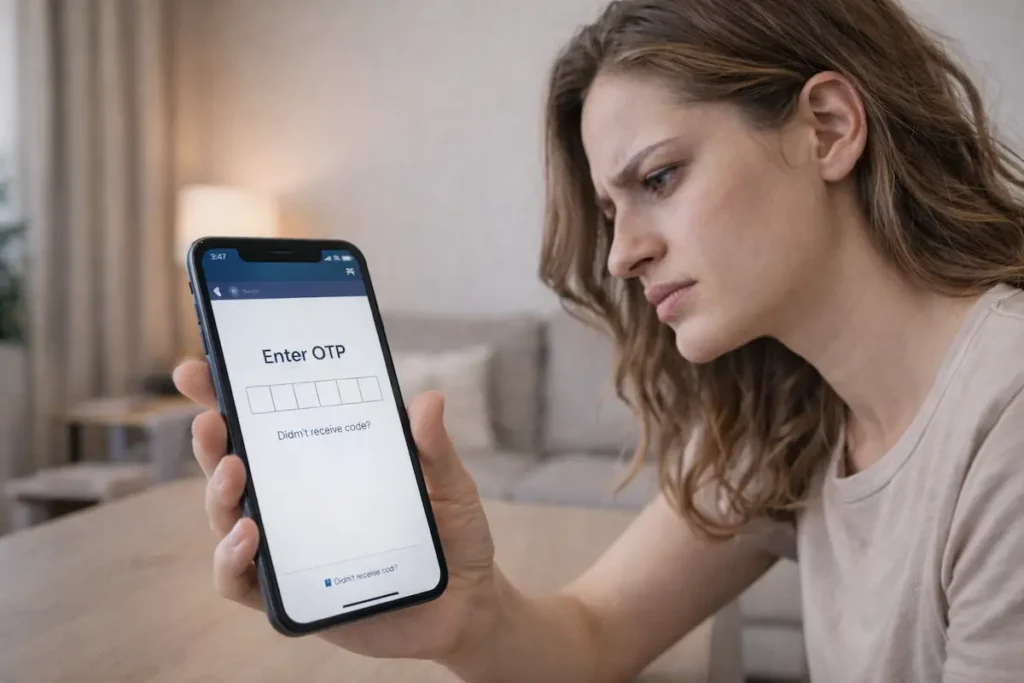
What “OTP Not Received” Means
You may experience:
• SMS code not received
• Email verification not received
• OTP delayed
• Code expired before receiving
Most Common Reasons OTP Is Not Received
1. Network Issues
• Weak signal
• Roaming restrictions
2. Incorrect Phone Number or Email
• Typing error
• Wrong country code
3. SMS Blocking
• DND (Do Not Disturb) enabled
• Spam filters
4. Email Issues
• OTP in spam folder
• Email delay
5. Server or System Delay
• High traffic
• Temporary delay
How to Fix OTP Not Received (Step-by-Step)
1. Check Your Number / Email
• Verify correct input
• Check country code
2. Check Network Signal
• Move to better signal area
• Restart phone if needed
3. Wait Before Retrying
• Wait 1–2 minutes
• Avoid multiple rapid requests
4. Check Spam / Block Settings
• Check SMS filters
• Check email spam folder
5. Request OTP Again
• Retry carefully
• Ensure stable connection
If OTP Still Not Received
• Try another number/email
• Contact service provider
• Wait and retry later
Common Mistakes to Avoid
• Multiple rapid OTP requests
• Entering wrong number/email
• Ignoring delays
• Blocking unknown messages
When It’s NOT an OTP Issue
Sometimes problem is different:
• Payment failure → see Payment Failed Guide
• Website issue → see Website Not Working Guide
Real Insight
Most OTP issues are temporary:
👉 Caused by:
• Network delays
• System load
• User input mistakes
How to Use This Guide
Use this when:
• OTP not received
• Verification code missing
• SMS/email delay
Related Guides
Tamil Summary
OTP வரவில்லை என்றால்:
• Number check செய்யவும்
• Network check செய்யவும்
• Retry செய்யவும்