
Last Updated: March 2026
Tamil summary available below (தமிழ் சுருக்கம் கீழே உள்ளது).
1. Quick Situation
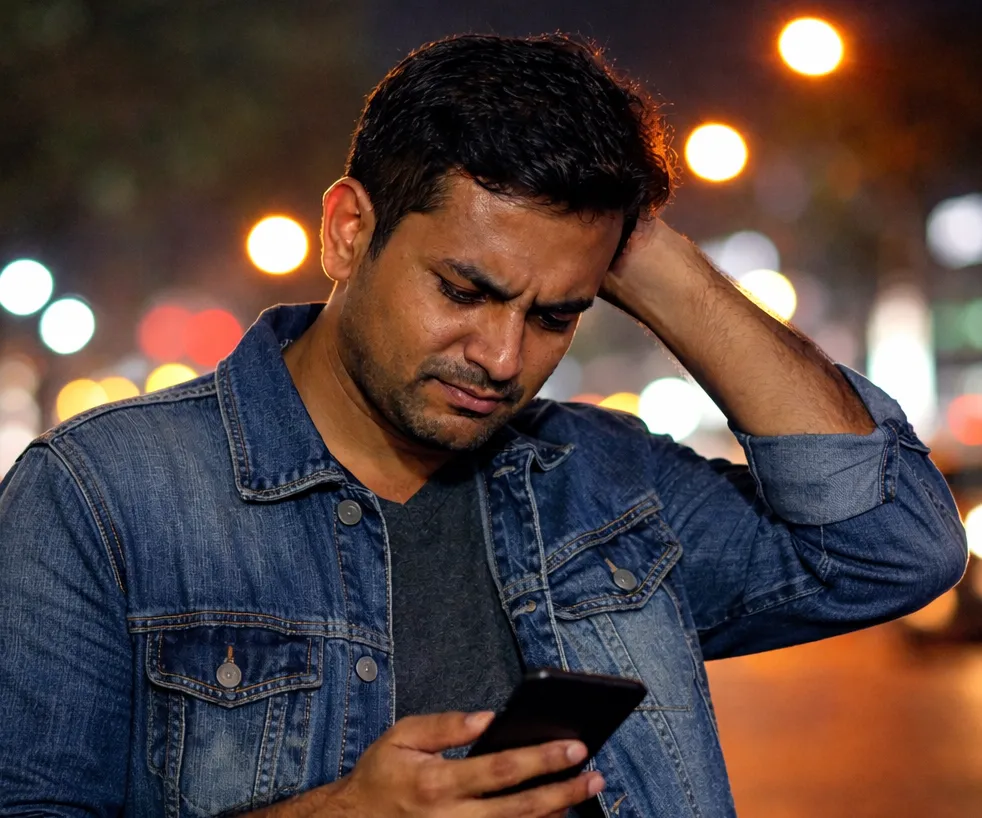
If your PickMe driver accepted but not coming, don’t panic. This is a common issue in 2026 — especially during busy hours or rain.
Here’s exactly what to do immediately to avoid delays and cancellation fees.
Quick Answer
If your PickMe driver accepts the ride but does not move, it usually means the driver is waiting for you to cancel, finishing another ride, or facing a network issue.
Try these quick fixes:
• Call the driver immediately through the app
• Wait only 2 minutes — if the car does not move, cancel
• Refresh mobile data and reopen the PickMe app
• Move the pickup pin slightly (50–100m)
• Change vehicle type (Tuk / Car)
• Move to a main road or visible location
• Cancel and rebook once
If you are charged a cancellation fee unfairly, report it inside PickMe → Account→ Help and Support.
Why PickMe Driver Accepts But Not Moving
Many users report this issue with PickMe:
• Driver accepts ride
• Vehicle stays in same location
• No call
• No movement on map
Common reasons:
• Waiting for surge pricing
• Hoping passenger cancels
• Network issue
• Finishing previous ride
• Looking for longer trip
Now let’s fix it.
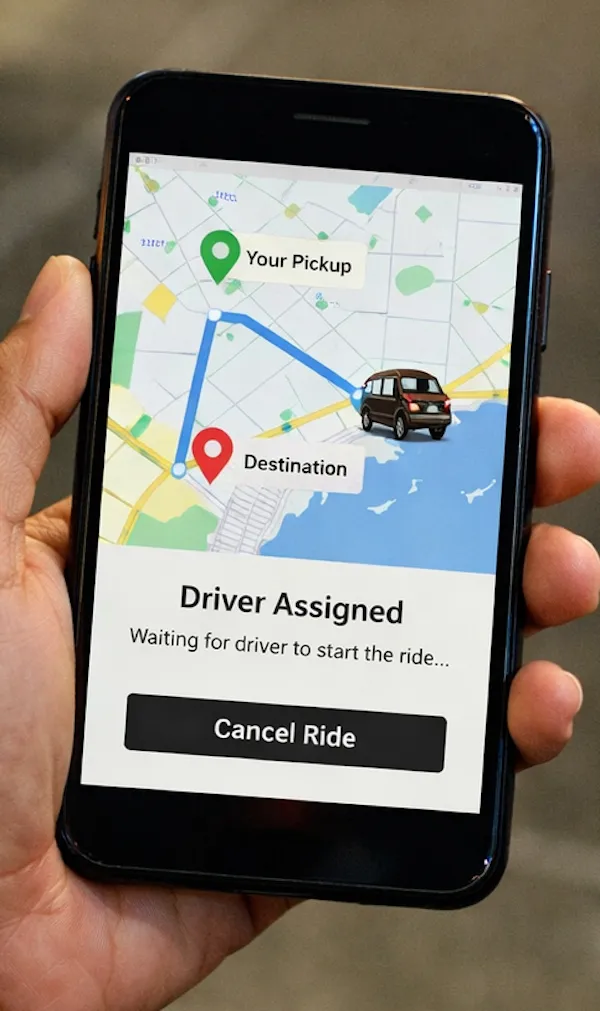
7 Immediate Fixes If PickMe Driver Is Not Moving
1. Call Immediately (Don’t Use Chat)
Tap Call inside the PickMe app.
Ask clearly:
“Are you coming now?”
If no answer within 30–60 seconds → move to next step.
Do not waste time in chat.
2. Wait Only 2 Minutes
If vehicle location does not move at all within 2 minutes, chances are low he will come.
Do NOT wait 10 minutes.
Time is more valuable than arguing.
3. Refresh Your Network Properly
This fixes many “PickMe driver not responding” cases.
Steps:
• Turn OFF mobile data
• Wait 10 seconds
• Turn ON again
• Close and reopen PickMe app
Then cancel once.
Avoid cancelling and rebooking 4–5 times quickly.
System may assign same driver again.
4. Shift Pickup Pin Slightly
Move pickup location 50–100 meters away.
Example:
Instead of “Bus Stand” → choose “Near Bank” or “Near Hotel”.
This often forces new driver matching.
Works especially in towns and suburban areas.
5. Change Vehicle Type
Switch:
• Three-wheel → Car
• Car → Tuk
Different driver pool = higher chance.
6. Walk to a Main Road
Drivers prefer:
• Visible locations
• Supermarket fronts
• Fuel sheds
• Main junctions
Small movement can increase acceptance speed.
7. Use a Second Phone (Emergency Method)
Different account = different matching system.
Very effective at night in small towns.
Before Cancelling – Check These First
Sometimes the issue is technical.
Check:
• Is GPS accurate?
• Is mobile data strong?
• Is it raining heavily?
• Is it very late night with fewer drivers?
• Is your rating low?
Low rating can slow acceptance (rare but possible).
PickMe Cancellation Fee Sri Lanka (Important)
If you cancel, sometimes cancellation fee applies.
If driver cancels, no charge.
Some drivers accept and wait hoping:
• You cancel
• Surge price increases
• Longer ride request appears
If fee is deducted:
Report inside app immediately.
Refund time:
Usually 3–5 working days.
Refund is NOT automatic.
How to Report PickMe Ride Issue
Inside app:
Profile → Help → Ride Issue → Driver not moving
Or call hotline:
1331
Hotline waiting time:
5–10 minutes
App complaint response:
24–48 hours
Do not expect instant resolution.
Frequently Asked Questions about PickMe
Why does PickMe driver accept but not come?
Some drivers wait for surge pricing or longer trips. Others may have network issues.
Will I be charged if I cancel?
Yes, sometimes. If charged unfairly, report inside the app.
How long does PickMe refund take?
Usually 3–5 working days in Sri Lanka.
Is this issue common in Sri Lanka?
Yes. Especially during rain, peak hours, and late nights.
Quick Summary
If your PickMe driver is not moving:
• Call immediately
• Wait only 2 minutes
• Refresh network
• Shift pickup pin
• Don’t rebook repeatedly
• Change vehicle type
• Report if cancellation fee charged.
Accidents or emergencies? Know the hidden costs in private hospitals.
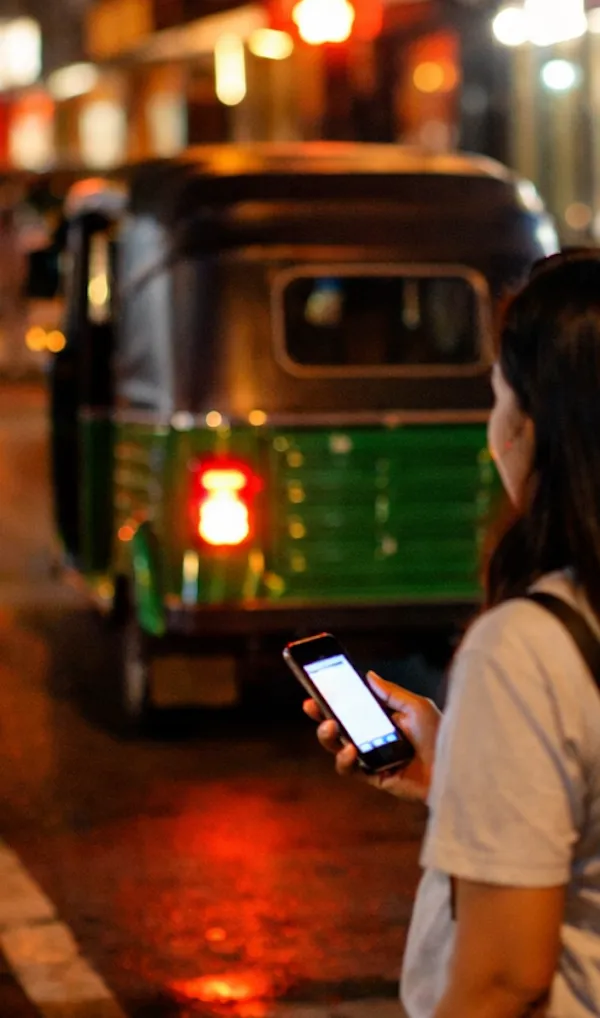
Safety Reminder
At night, do not stand in a dark area while waiting.
Move to a well-lit location before rebooking.
This guide is updated for 2026 and based on real recurring pickme ride issue Sri Lanka.
தமிழ் சுருக்கம் (Tamil Summary)
PickMe டிரைவர் hire accept செய்து நகரவில்லை என்றால் என்ன செய்ய வேண்டும்? (2026 வழிகாட்டி)
இது 2026ல் பொதுவாக நடக்கும் பிரச்சினை – குறிப்பாக மழை, peak hours, அல்லது இரவு நேரங்களில்.
உடனடி நடவடிக்கைகள்:
• உடனே Call செய்யுங்கள் (Chat பயன்படுத்த வேண்டாம்)
• 2 நிமிடத்திற்கும் மேல் காத்திருக்க வேண்டாம்
• Mobile data OFF → 10 விநாடிகள் → ON செய்து App reopen செய்யுங்கள்
• Pickup location-ஐ 50–100 மீட்டர் மாற்றுங்கள்
• Vehicle type மாற்றி முயற்சிக்கவும் (Three-wheel / Car)
• Main road அல்லது வெளிச்சமான இடத்திற்கு நகருங்கள்
• அவசர நிலையில் வேறு Phone / Account மூலம் book செய்யலாம்
ஒரே டிரைவரை பல முறை cancel செய்து rebook செய்யாதீர்கள். System மீண்டும் அதே டிரைவரை assign செய்யலாம்.
Cancellation Fee – முக்கியம்
• நீங்கள் cancel செய்தால் சில சமயம் கட்டணம் வரலாம்
• டிரைவர் cancel செய்தால் கட்டணம் இல்லை
• தவறாக fee deduct ஆனால் App-இல் உடனே report செய்யுங்கள்
• Refund பொதுவாக 3–5 working days ஆகும் (automatic அல்ல)
Report செய்ய:
Profile → Help → Ride Issue → Driver not moving
Hotline: 1331
பாதுகாப்பு நினைவூட்டல்
இரவு நேரங்களில் இருட்டான இடத்தில் காத்திருக்க வேண்டாம்.
Rebook செய்யும் முன் வெளிச்சமான, பாதுகாப்பான இடத்துக்கு நகருங்கள்.
இந்த பிரச்சினை இலங்கையில் பொதுவாகவே நடைபெறுகிறது — குறிப்பாக மழை, peak hours மற்றும் late night நேரங்களில்.
அமைதியாக செயல்பட்டால் தாமதத்தை குறைக்க முடியும்.